
George Brown Polytechnic is located on the traditional territory of the Mississaugas of the Credit First Nation and other Indigenous peoples who have lived here over time. We are grateful to share this land as treaty people who learn, work and live in the community with each other.
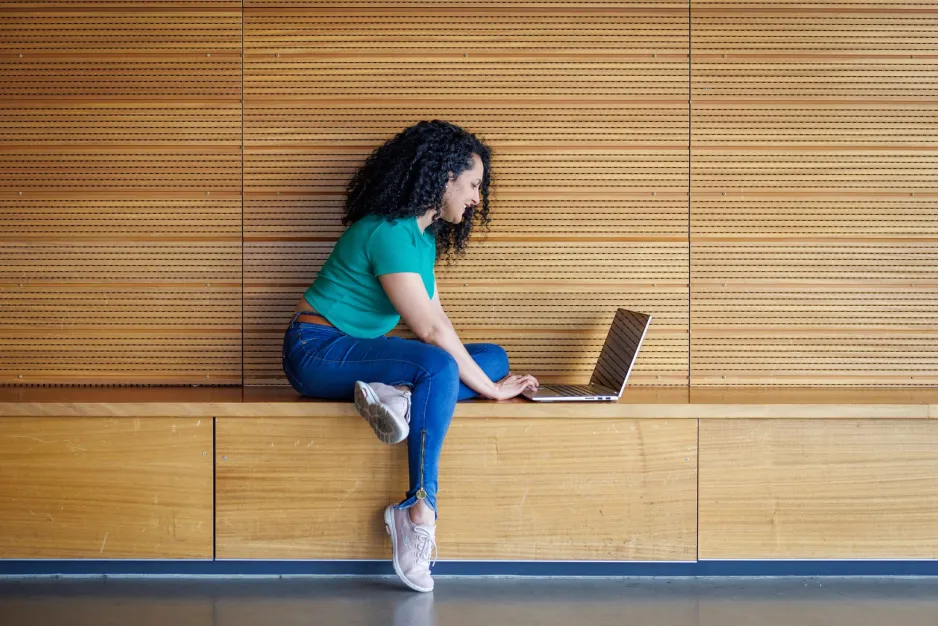
BYOD requires students to use mobile devices (laptops, tablets or phones) to enhance their learning experience in and out of the classroom. The initiative aims to prepare students with the digital skills and confidence to learn any time and anyplace. They will work with course materials, participate in collaborative environments, and become skilled, confident users of the technologies that are used in their industry and in academic environments.
What does this mean for me?
Students in BYOD programs will purchase, use and maintain their own devices. You’ll need to bring your device on the first day of class and know how to use it.
BYOD academic Faculties and schools
Select programs at the following schools participate in the BYOD initiative.
Faculty of Business, Creative Industries, and Culinary Arts
FAQ
What kind of device do I need?
If you are enrolled in a program at a participating school, specific hardware or software may be required.
You don't need to buy equipment from a specific vendor or manufacturer, but you need to find a device that suits your needs and meets your program's published specifications. Technical requirements are published on your program page.
If you already own a laptop, you're welcome to use it if it meets the minimum specifications required by your program. Many spaces on campus provide places to power up your device, including classrooms and study areas.
How do I access software?
You can access the software through the AppsAnywhere dashboard. AppsAnywhere is a free service that allows GBP students, staff, and faculty to access software on-demand, any time, from anywhere. Please note that some devices are not fully supported by AppsAnywhere.
Devices supported by AppsAnywhere
- Windows X86 (AMD and Intel)
Devices not fully supported by AppsAnywhere
- MacBooks or Chromebooks (ARM).
Can I borrow a laptop?
Laptops and other tech are available on a first-come, first-served basis from the Library Learning Commons (LLC), typically for short-term one-week periods that can be renewed based on demand. Students need to provide digital or physical student ID after filling out a one-time Tech Equipment Loan Agreement form that can be completed when picking up a device.