
Module
3

Campus Life

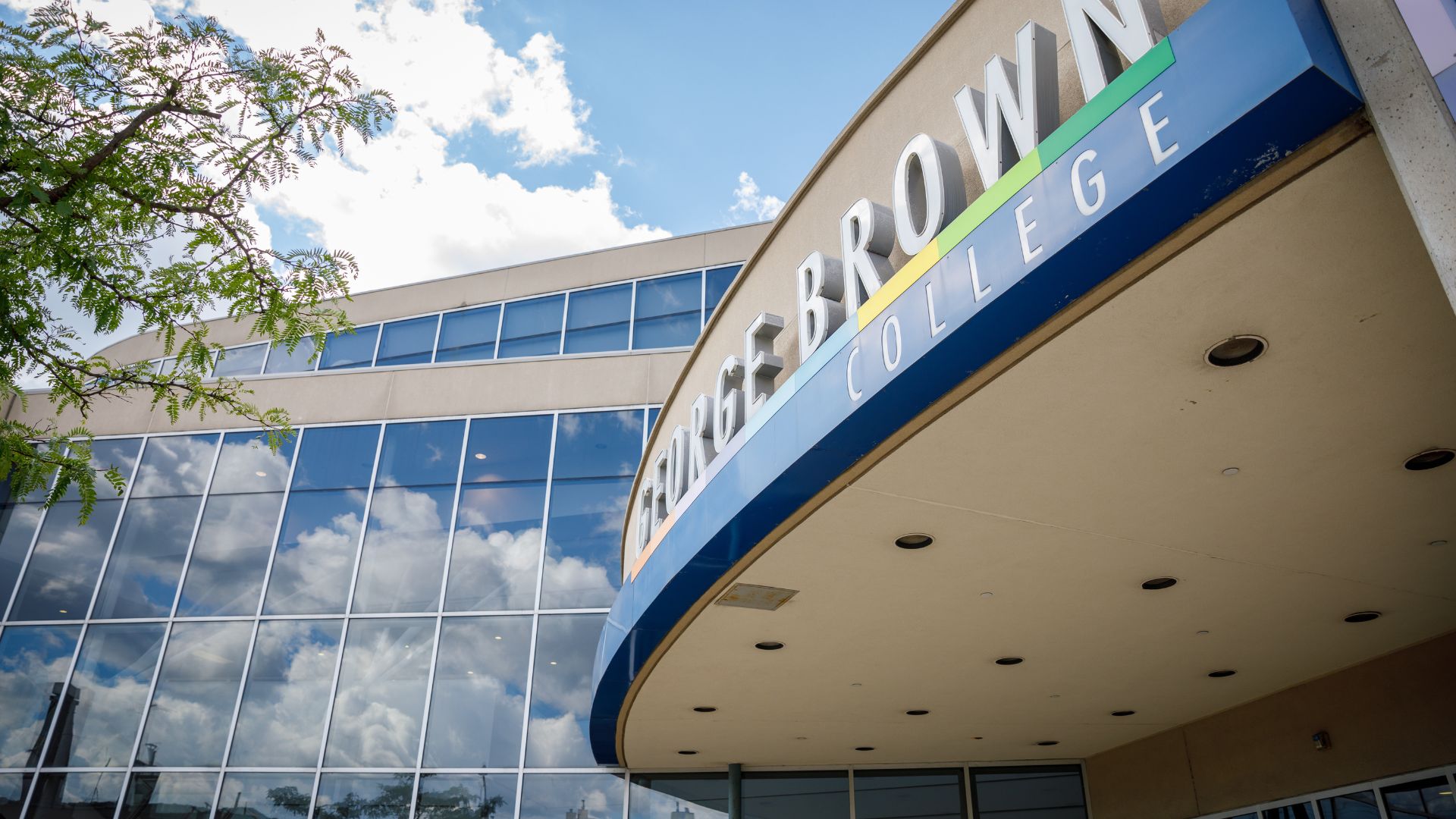
The exterior of the Casa Loma campus entrance overhang, with the school name above the platform and a sunny sky reflected on the windows.

Our Campuses

George Brown Polytechnic has three main campuses located in downtown Toronto:

  • SJ - St. James Campus
  • CL - Casa Loma Campus
  • - Waterfront Campus

There are also other locations in Toronto where students attend classes:

  • TMU - Toronto Metropolitan University Location - The Sally Horsfall Eaton Centre for Studies in Community Health at TMU (School of Early Childhood)
  • PO - Sunnybrook Centre for Independent Living (Prosthetic & Orthotic Programs)
  • YC - The Young Centre for the Performing Arts (School of Media & Performing Arts)
  • SJFX – Fashion Exchange (School of Fashion & Jewellery)

We also have a student residence:

  • - The George is located in downtown Toronto next to the Distillery District.

Explore our Campus Locations with virtual tours

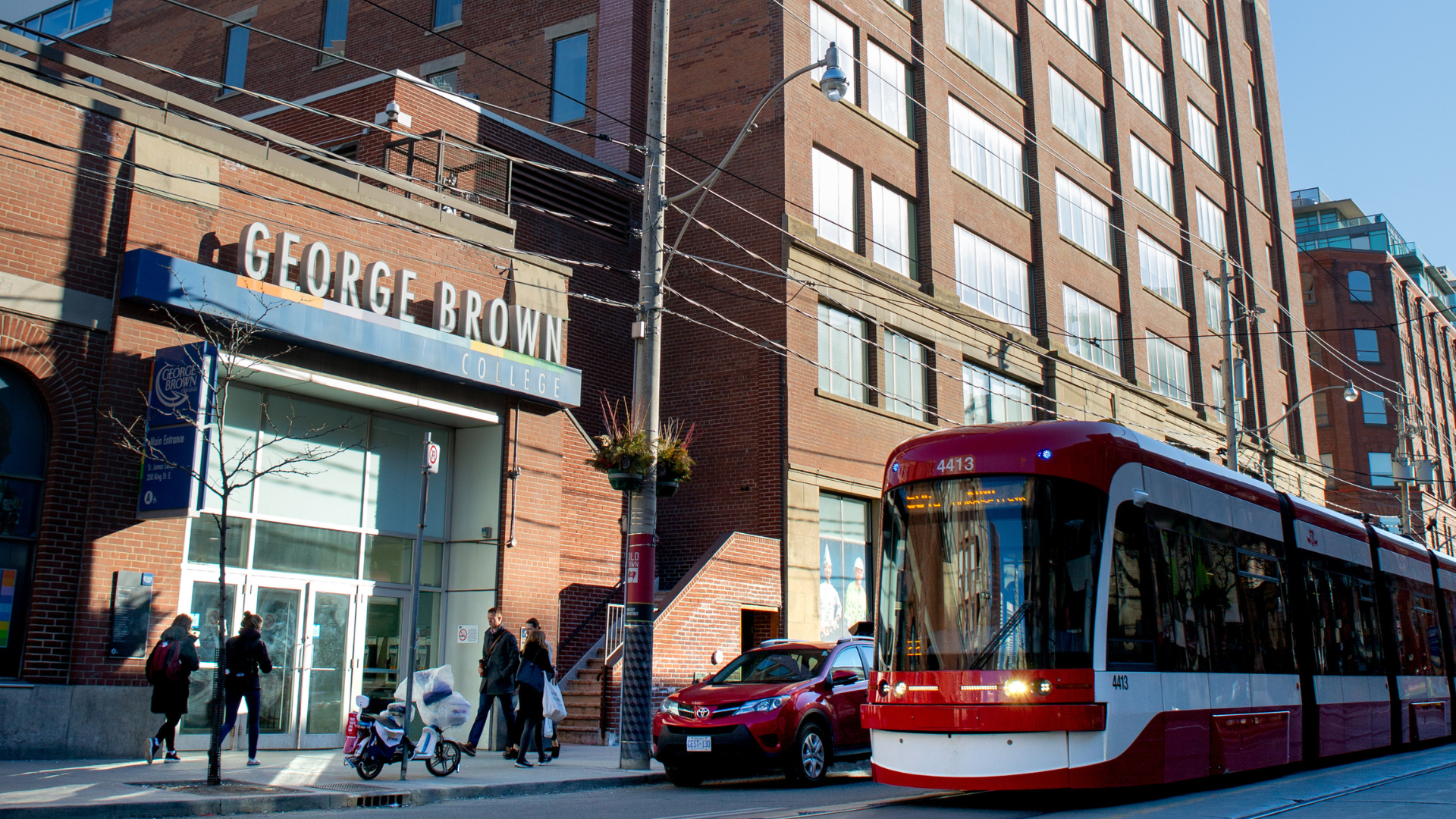
A streetcar drives past 200 King St. E. building. People are walking in front of the building on the sidewalk.

Plan Your Commute

If you have classes on campus, it’s a good idea to familiarize yourself with your commute and assess any potential for delays ahead of time.

What you should know about each way of commuting to George Brown

Driving

Traffic

If you’re driving into the city, it’s a good idea to plan a few routes to campus in case of traffic or construction delays. Find a source or two of traffic updates – whether that’s through your preferred map/transit app (i.e. Google Maps, Waze) or a local news station.

Tip: If you find other peers to carpool with, you can cut costs and utilize HOV/carpool lanes on the highways.

Parking

There are parking lots at each campus with their own conditions and availability. At Casa Loma, there are three lots for daily, occasional, and monthly use. At St. James, there is one lot available for occasional, monthly, and special request use. (There are also several other public lots around campus.) At Waterfront, there is a public Green P lot for daily and limited monthly use.

Learn more about our Parking Services

Information on Toronto Parking tickets, fines, and penalties

Public Transportation

Traffic

Just like driving, with public transportation, it’s useful to assess multiple routes to campus in case you run into delays or traffic issues. Apps such as Google Maps can show you multiple routes and transit wait times. There are also several other transit apps you can use, such as CityTransit, Transit, My TTC, Transit Now, and TTCWatch. It’s also good to get in the habit of checking TTC and GO Transit platforms for any last-minute delays or service advisories.

Discounts

Post-secondary students are eligible to receive discounts on fares with their PRESTO Card, which works on both GO Transit and the TTC.

Tip for students using both: To ride the TTC, you need to tap your card to get on a streetcar/bus or in a subway station. With GO Transit, you also need to tap off on your way out since it is charged by distance, and your fare can also count towards the TTC if you take that within the allotted time frame afterward.

More information on PRESTO student discounts

Pro tip: The Student Association runs PRESTO Load programs each semester, where students have a chance to get up to $50 loaded onto their card. Keep an eye out for announcements every semester so you don’t miss it!

Cycling

Safety and parking

Cycling is another popular form of transportation in the city. As with other modes, plan your route options accordingly, and prioritize streets with bike lanes for your safety. The City has a Cycling Network Map that you can use to do just that!

If you are using your bike, it’s important to carefully lock your bike (with both wheels if you can) to a city-designated post or bike rack to avoid theft. Familiarize yourself with cycling safety and theft prevention. There are some bicycle parking options downtown, as well.

Registering your bicycle with the police can greatly assist in its recovery if it gets stolen.

Bikes on public transit

There are city rules for bringing bicycles onto public transportation to be mindful of, especially that they are not allowed on weekdays during rush hours (6:30 to 10 a.m., 3:30 to 7 p.m.).

Bike Share discount

Don’t have a bicycle? No problem! Students are eligible for discounted annual memberships with Bike Share, a program that lets you rent bikes on timeframes throughout the city. Just use your George Brown email address with Bike Share to sign up!

A view of the Toronto city skyline from the water.

Toronto Life Tips

Being a student in Toronto is full of exciting possibilities! There is so much to explore, enjoy, and take advantage of in our big city. 

Don’t overwhelm yourself right away; you have time to get acclimated. Start smaller in your new environment by exploring your new surroundings (whether IRL or on your map app) to find your new favourite café, restaurant, bar, convenience store, or grocery store around campus.

Tips to consider

Student discounts

Students have access to a variety of perks all around the city! Here are some of our top recommendations:

  • Toronto Public Library card – With a Toronto Public Library card, you will not only have access to books, movies, music, databases, and eLearning resources, but also can take advantage of tpl:map, where you can book free tickets to Toronto attractions like selected museums and galleries, concerts, cinema, the zoo, and more! Note: Passes are released the first Wednesday of every month at 2 p.m. and you need to act fast.
  • PRESTO Card Perks Program – Besides the student discount for transit, the service also provides discounts and perks for attractions around the city, such as selected events, restaurants, sports games, museums, theatre, and much more. 
  • The City of Toronto also has free drop-in recreational programming such as swimming and skating.
  • Student Price Card (SPC) – This card gives students exclusive access to the best deals and contests with over 450 brands, including tech, restaurants, food delivery, grocery, clothing, and more. Note: There is an annual fee for this card.

There are plenty more discount options around the city, so make sure to do your own research; it never hurts to ask if a discount is available!

Student bank, phone, and internet accounts

If you’re planning to open a new bank account, do your research on which banks offer the best options and fees for students.

Do not choose an account only because of a welcome bonus. Compare monthly fees, transaction limits, ATM access, e-Transfer costs, minimum-balance requirements, and what happens when you are no longer eligible for student banking. 

The same goes for phone and internet plans – search for the best option for you before you commit! Look at the full cost after promotional discounts end, as well as data limits, speed, coverage, and equipment charges.

Follow @gbstudentlife on Instagram for more tips!

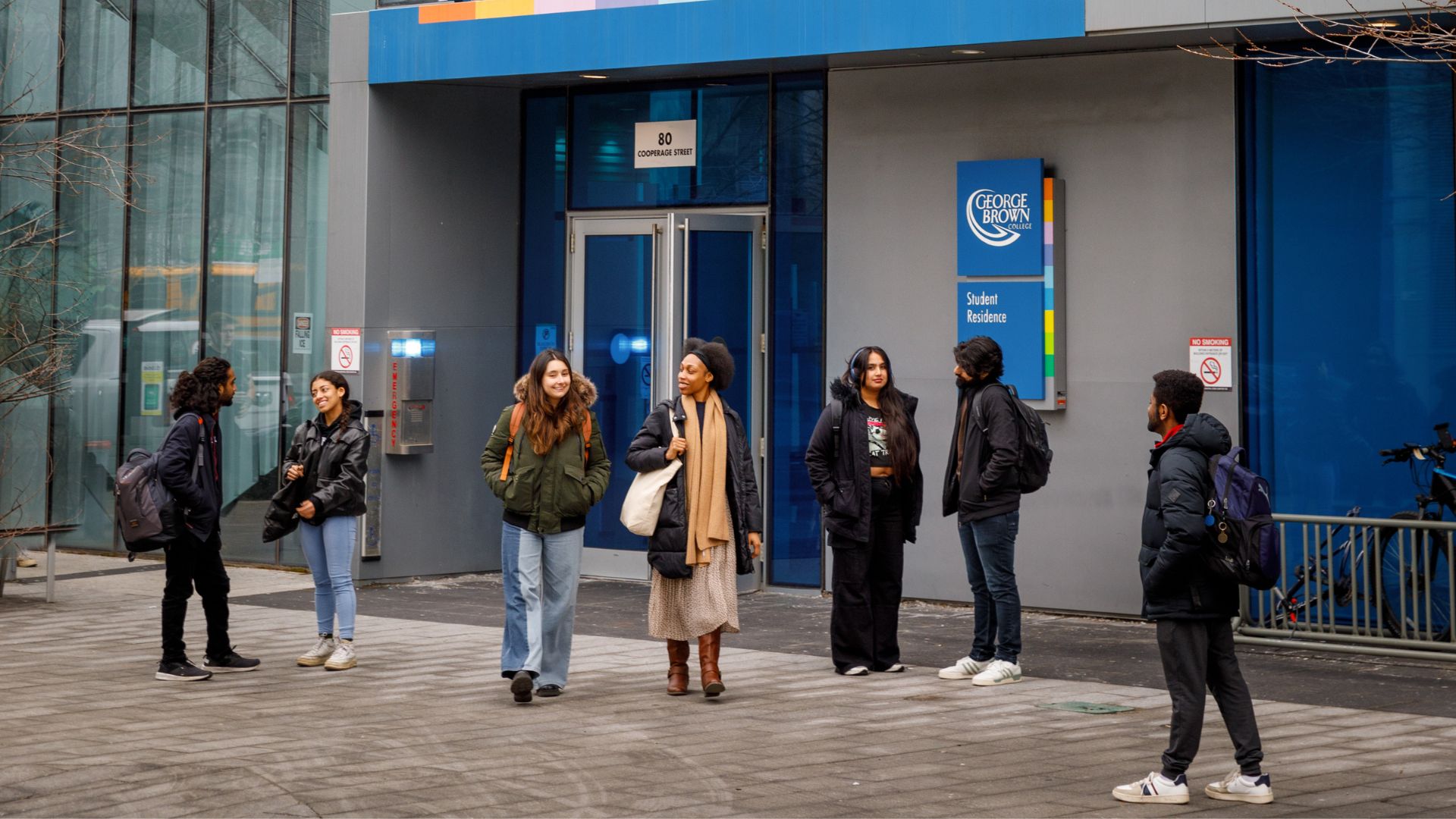
Students walking outside of a campus building. They are wearing coats in winter.

Campus Safety

It is crucial that you feel safe and comfortable on our campuses. Here are some ways that we foster a secure environment:

How to connect with Security if you are experiencing an emergency on campus

  • Find a Security Desk location.
  • If it's an emergency, you can either call 416-415-4000 (or 0 from any George Brown phone) or text 416-723-4761.
  • You can also dial 911 in an emergency for City of Toronto services.
  • Use the GBP Safety app to call emergency services, send your live location to George Brown Security or a trusted friend, or report a tip for a safety concern or suspicious activity. You can download the GBP Safety app on the Apple App Store and Google Play Store.
  • You can also submit a confidential tip by form or email.

SafeWalk: Trained accompaniment for evening walks on campus 

If you would feel safer walking with someone instead of alone in the evening, check out the SafeWalk Program, a joint initiative between the Student Association and George Brown Polytechnic. SafeWalkers work in pairs to escort George Brown students, staff and guests to local parking lots, TTC stops, or other buildings on campus within a 2 km radius. All SafeWalkers are students who have been trained in Emergency First Aid.

Here’s how to get in touch with SafeWalk.

Smoking and vaping on campus is prohibited

George Brown recognizes the health hazards associated with smoking and second-hand smoke exposure, and to protect our community, we are committed to maintaining smoke-free campuses. Smoking and vaping indoors may result in an unnecessary emergency response, which affects crisis resources and your community. Please note that the burning, exhaling, and inhaling of all tobacco and cannabis products is prohibited, as mandated by Ontario and Toronto by-laws:

  • In all George Brown-leased or owned buildings
  • On owned or leased George Brown property
  • In a George Brown vehicle, or vehicles parked on school-owned or leased property
  • Within 9 meters of any George Brown entrance, regardless of ownership

The traditional burning of substances that form part of Indigenous culture and heritage is excepted. 

Please refer to our Smoke-Free Policy for more information.

Service animal etiquette

Service animals are, by law, welcome anywhere on campus that's open to the public. While on campus, please give priority to people who have disabilities and service dogs. Here are some helpful tips about service animals: 

  • When you see a service animal with a harness or vest, it means they're working. They're not pets, so don't touch them, and please don't make excitable noises that could distract them from their work.
  • When you are near an elevator, you should give the handler and the guide dog space and not crowd them. 
  • When you see a service dog, ask the handler if you can pet or interact with it. Be careful not to give it food or treats. 
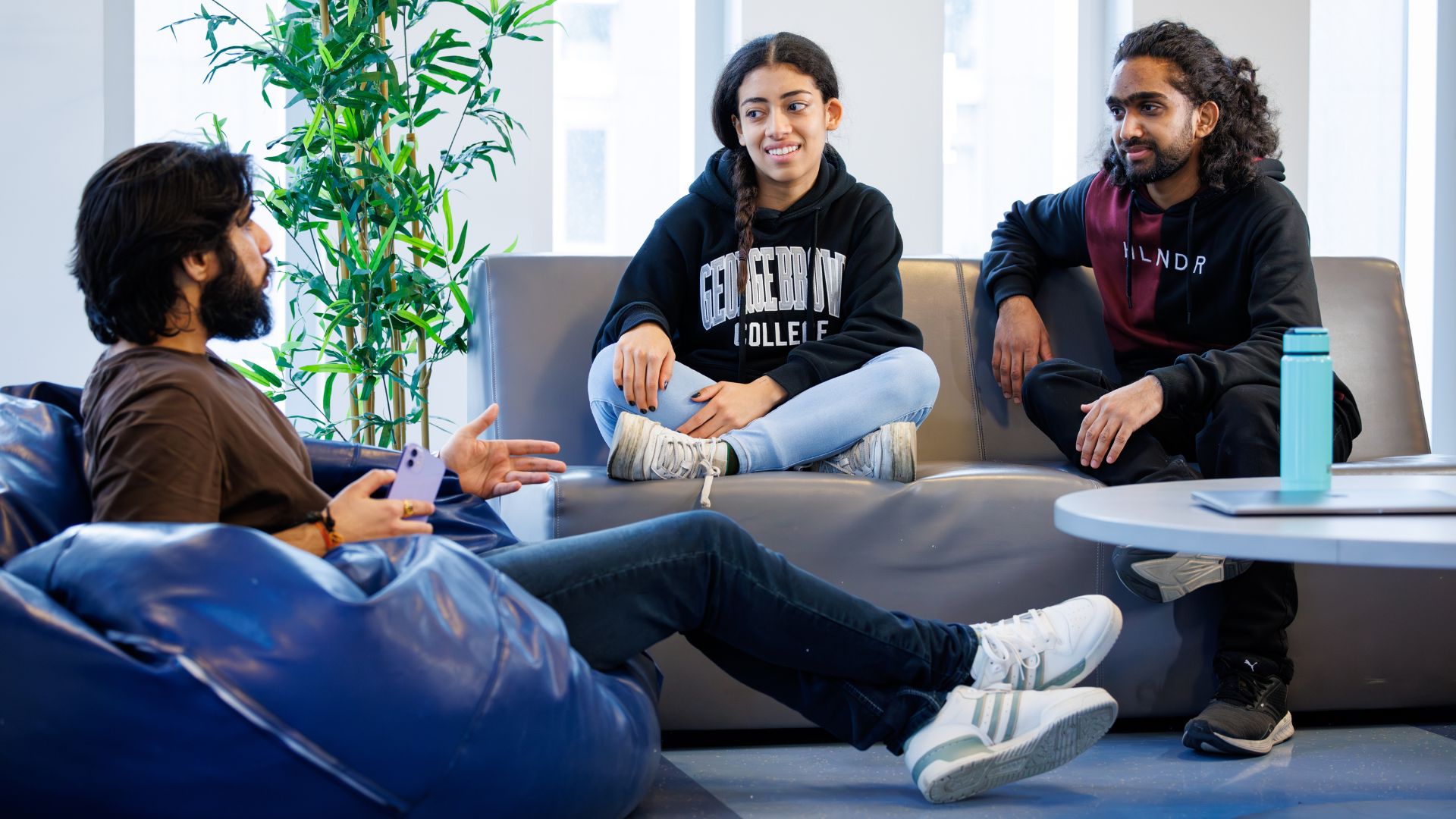
Three students in discussion sitting in a lounge. Two are on a couch and one is on a beanbag chair.

Housing Support

You likely have your housing figured out by now, but we have some helpful resources should you look for new housing during your studies.

Residences

George Brown Polytechnic offers student housing through our on-campus residence, The George, and in an off-campus partnership with Parkside Student Residence. We also have a partnership with Places4Students, a website that is specifically designed for student housing listings and roommate matching.

Housing support

We’ve compiled student-centric advice on finding housing in Toronto, how to protect your rights, and finding emergency housing services. Visit our Housing Information webpage for more information.

A student looks at a book from a bookshelf, while holding other merchandise like a notebook and thermos.

Campus Store

George Brown Campus Stores carry books, supplies and materials you'll need for your program. It's also a go-to place for your stationery, computers, apparel, and more! 

It’s important to wait until you receive direction from your program or courses regarding what materials to buy before you buy them. There is no need to rush to get your texts ahead of the semester, but you can also check if books and materials are available to be borrowed from the library.

You can also easily search, purchase, and download eTexts from the Campus Store website.

Shop the Campus Store

eTexts

You can easily search, purchase and download eTexts from the Campus Store website. Here are five easy methods to find the correct texts:

Search by title

The easiest way to find your etext is to search for it. If you type the book title into the search field, you will be shown a list of titles that match your search.

All the results are going to be etexts. The search has been simplified to only show etexts.

Tip: Create an account or log in to your existing one and make sure that all your information is correct. Then you can simply click on same as billing address under shipping address.

Make sure you select ebook — no charge under shipping options to ensure that you will not be charged any shipping. You will then be emailed your etext code and you simply follow the instructions in the email to retrieve your etext.

If there are no listings, then there are no etexts assigned for that course.

Visit the Campus Stores site for more information.

Search by course

The second method to find a book for a course is by clicking on the textbooks menu option and selecting search by course.

  1. Select the campus where you are taking your course.
  2. Select the term that you are taking your course in (i.e., Fall 2025). You can then browse the etexts assigned by course number (i.e., B107 – Accounting) and then selecting course you are specifically looking for (ACCT1001 – Accounting Fundamentals I).
  3. Select Go (you can select multiple courses here if you wish) to see which e-texts are assigned to that course.
  4. Select Buy New to add to card. Select In Cart to checkout.

If there are no listings, then there are no etexts assigned for that course.

My Course List

The third way to find the books for your courses is to use the My Course List tool.

This allows you to log on with your George Brown credentials (studentnumber@georgebrown.ca) and it will show you a full list of all of your enrolled courses and the books assigned to them.

Select one or all of them and follow the steps to checkout as above.

Etext selection

In the menu bar, the second option is the etext section.

You can see the most commonly searched etexts available for general programs like English & Communications. These are not sorted by course code but are an easy and quick way to check to see if your etext is available.

If you find what you are looking for, then add to your cart and checkout as above.

If you don’t see your etext in this list, don’t worry just use one of the other three options to find what you need.

Texidium etext

Here are instructions for redeeming a Texidium etext.


Please note that materials and books will be listed by your professors on the first day of class on the course outline in Brightspace. You’ll see your courses in Brightspace once they start. There is no need to rush to get your texts ahead of the semester, but you can also check if books and materials are available to be borrowed from the library.

Two students walk past a row of lockers.

Lockers

George Brown Polytechnic provides locker rentals to students for secure, convenient storage of personal belongings.

Lockers are assigned based on program area, campus, and building. When you log in to select a locker, the available options are typically located near where your classes and labs are held.

Online locker registration opens five (5) business days before the start of each academic semester, unless otherwise specified for a particular academic program.

The rental fee is $25 per semester. All lockers are equipped with combination locks. Students are not permitted to install personal locks or modify the locking system.

If you have any questions about your locker, email the locker administrator at lockers@georgebrown.ca.

How to rent a locker

  1. Log in to STU-VIEW with your student ID & password
  2. Search for the Locker Rental card
  3. Complete the rental through the LockerGM portal

Once the rental is completed, you can view your locker location, combination, and receipt in the LockerGM portal.

Before you rent your locker, please read the Student Locker Rental Agreement and Regulations.

If you require assistance

On-campus support from 10 a.m. to 3 p.m. at the following locations:

  • St. James Campus: Room SJB 137; Mondays, Wednesdays, Fridays
  • Waterfront Campus: Room WF-103; Tuesdays
  • Casa Loma Campus: Room CLC-212; Thursdays

Virtual support is available Monday to Friday, from 8 a.m. to 4 p.m., excluding holidays and school closures, via email at lockers@georgebrown.ca.

For after-hours support, contact Public Safety & Security.

Please note: Include your GBP student ID number and locker number in all communications. When contacting GBP staff, please ensure that you use your official George Brown email address. Requests sent from any other email address will be automatically deleted.

Five students sit around a cafeteria table, talking and eating.

Where to Eat

You can find popular outlets like Tim Hortons, Bento Sushi and Pizza Pizza at each campus, as well as restaurants and convenience stores operated by the Student Association. St. James Campus also includes restaurants and cafes operated by the Chef School.

If you think you'll be eating on campus regularly, check out our affordable meal membership plans.

Pro tip: Skip the lines and use the Boost mobile app to order ahead!

Bringing lunch from home? You’ll find microwaves in your campus cafeteria and Student Association areas.

More details on where to eat on campus

Healthy produce options on campus

Our campuses offer some options for accessing affordable and nutritious eats, including:

The Good Food Market

The Good Food Market, located at St. James Campus, 200 King Street East, in front of the Campus Store, offers fresh fruits and vegetables at affordable prices on Thursdays from 11 a.m. to 3 p.m. Email GoodFoodMarket@georgebrown.ca for more information and to be added to the mailing list for updates.

The Student Nutrition Access Program (SNAP)

SNAP, run by the Student Association, provides support for your nutrition, health and wellness needs through educational resources, community referral programs, a flexible food selection program, snack handouts, and more. You can register with SNAP at Casa Loma Campus at the Student Association office, E building, room 127.

What's Next

Now that you're feeling more comfortable with our campus facilities and city student life, next on the list is how to find your community. Making connections at school will be greatly beneficial to your full experience!

Module 4

Find Your Community

Go there
Land Acknowledgement

Land Acknowledgement

George Brown Polytechnic is located on the traditional territory of the Mississaugas of the Credit First Nation and other Indigenous peoples who have lived here over time. We are grateful to share this land as treaty people who learn, work and live in the community with each other.