

George Brown Polytechnic is located on the traditional territory of the Mississaugas of the Credit First Nation and other Indigenous peoples who have lived here over time. We are grateful to share this land as treaty people who learn, work and live in the community with each other.
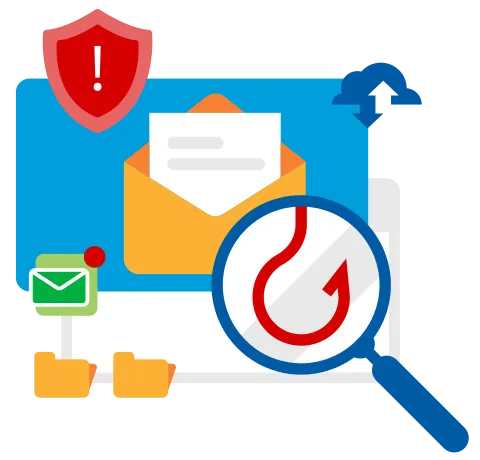
What’s a Phishing Email?
We share thousands of electronic communications every single day. While there are many benefits to fast, secure and efficient communication, there are also challenges. An organization as large as the GBP with publicly listed emails, makes us a prime target for phishing. Phishing emails may look like they’ve come from a trustworthy source, like your banking institution or even a work colleague; however, their purpose is to fraudulently obtain sensitive information like usernames/passwords and credit card information, or to distribute malware (e.g., viruses, spyware, etc.) across our networks via infected files. ‘Phishers’ rely on you to do their dirty work for them and are a real threat to cyber security.
How do I Identify a Phishing Email?
Do you think you can spot a malicious email? Criminals often leave clues. Here are some questions to ask yourself to help spot potential threats. When in doubt, DON’T CLICK ON ANYTHING. If you know the sender, you may want to call them to verify the message.
Sending (from field)
- Do I recognize the sender’s name?
- Does the email use the correct address (such as internal emails using @ontario.ca or the company’s emails using the official company’s email address)?
- Have I received work-related messages from this person in the past?
Subject
- Does the subject match the content or is it irrelevant, unexpected, or unusual?
Date & Time
- Was the email sent at an odd time (e.g., 4 A.M. or during non-business hours)?
Body Text
- Is the message threatening you?
- Is the message offering prizes or something too good to be true?
- Does the request seem odd, illogical or just plain suspicious?
- Is someone asking for passwords, account information, or credit card details?
- Is the salutation generic (e.g. Dear Customer, Client, etc.)?
- Does the message have spelling errors or bad grammar?
Attachments & Links
- Does this sender ordinarily send me messages with links or attachments?
If you ever are directed to a website with a ‘sign in page’, try to verify if it is a real website address. Sometimes criminals create real looking web pages that look to steal your login or financial information.